

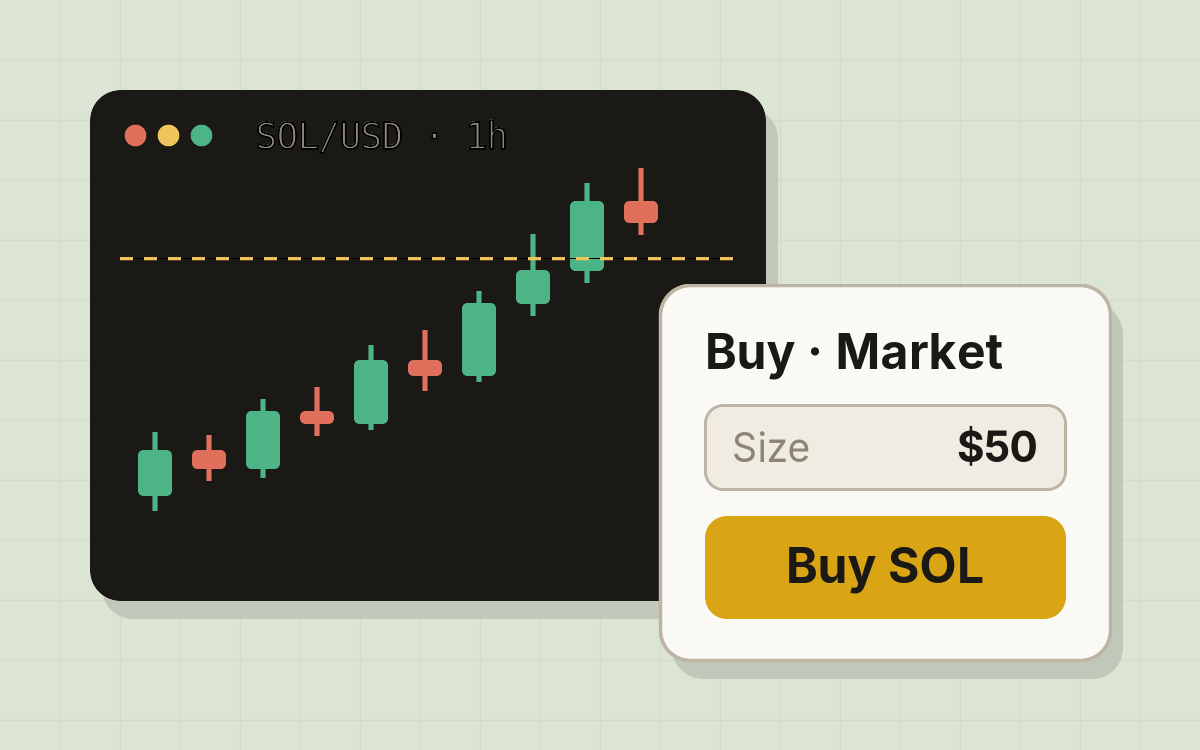
Start trading
Create an account, connect your wallet, and place your first trade in five steps.
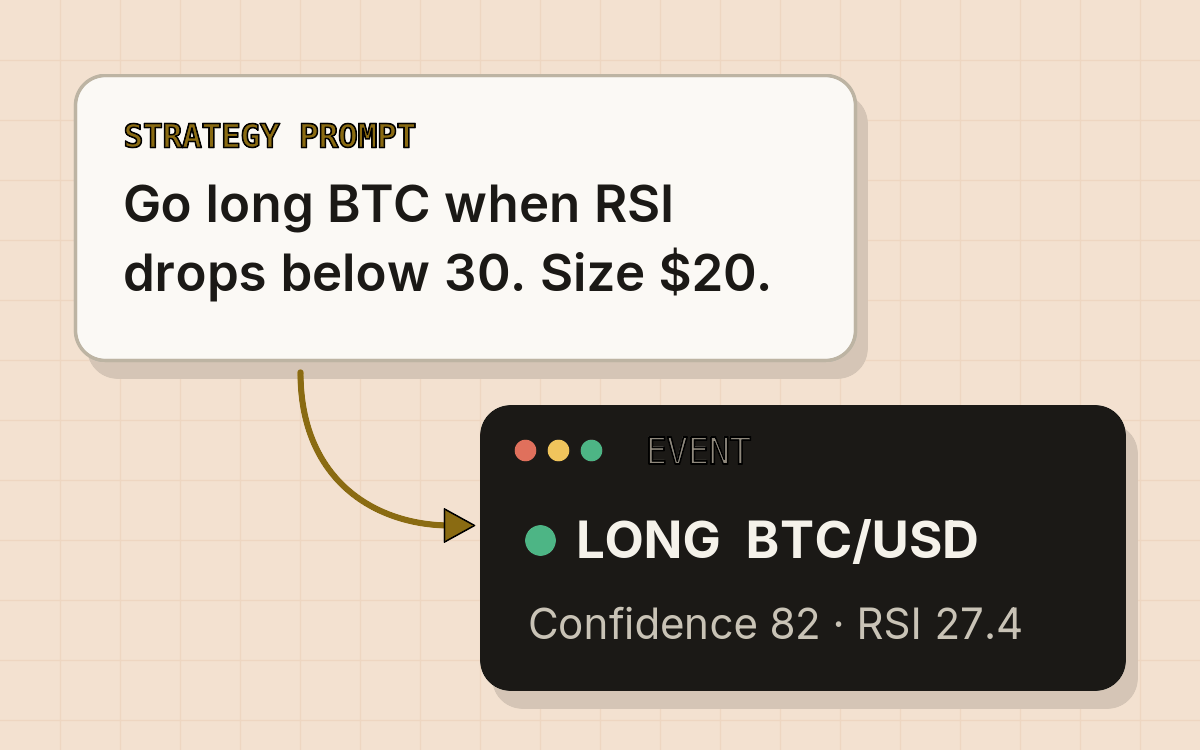
AI strategies
Describe a strategy in plain English. The AI checks the market and trades when your conditions are met.
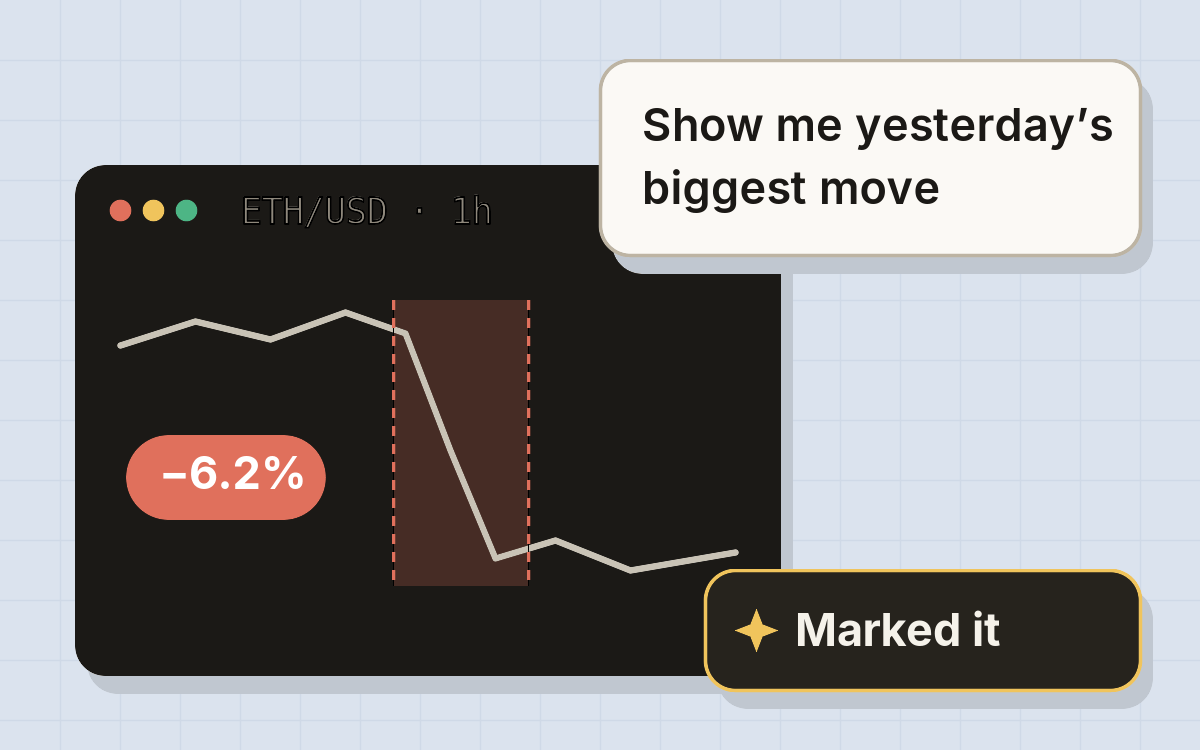
The Assistant
Ask about markets and your account, place and close orders, and have it mark moves on your chart.
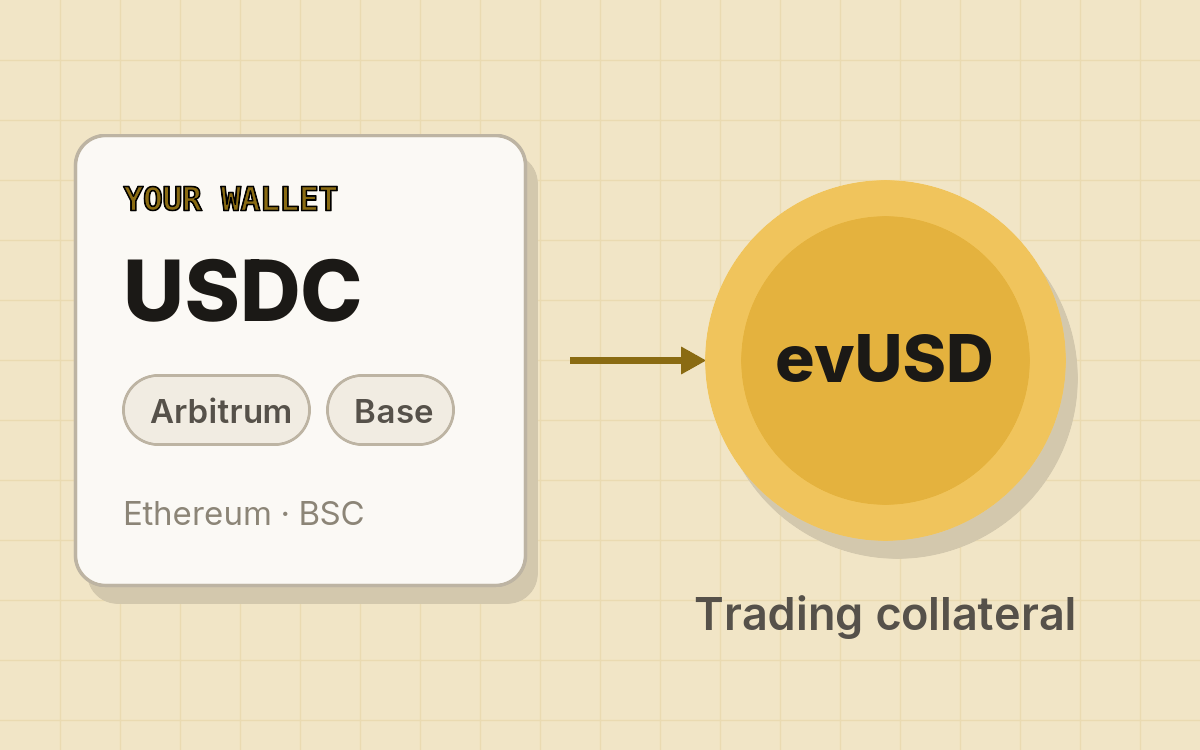
Deposit funds
Deposit USDC from Arbitrum One, Base, Ethereum or BSC and mint evUSD, your trading collateral.
Everything in one terminal
Perpetual futures
Crypto and tokenized stocks, no expiry, funding every hour.
Perpetual options
Calls and puts that never expire.
Fast Estimates
Backtest a strategy on past candles before it trades.
Price alerts
Get notified when a market crosses your level.
Breakouts
Keltner channel breakouts across every perpetual.
Macro
VIX, Treasury yields, Fear & Greed and more beside your charts.
What will you trade?
Start from a working idea, then make it your own. Browse the prompt library.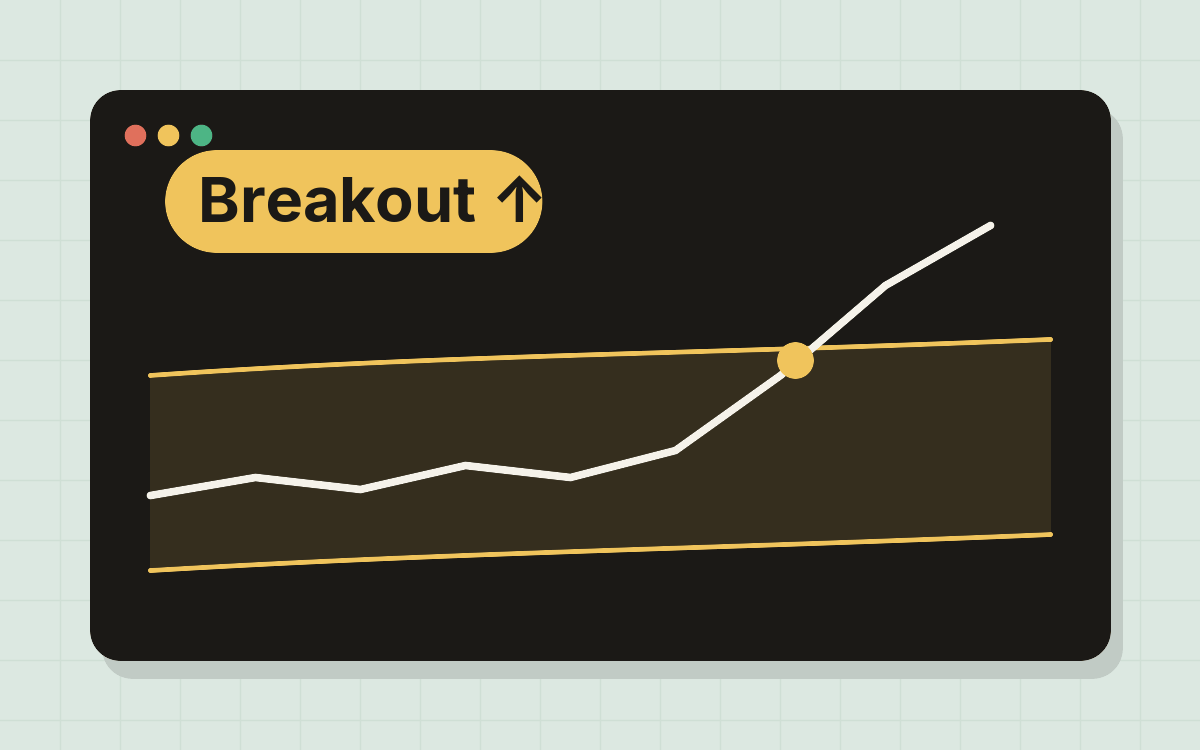
Ride breakouts
Enter when price closes outside its channel, with a stop and target attached.
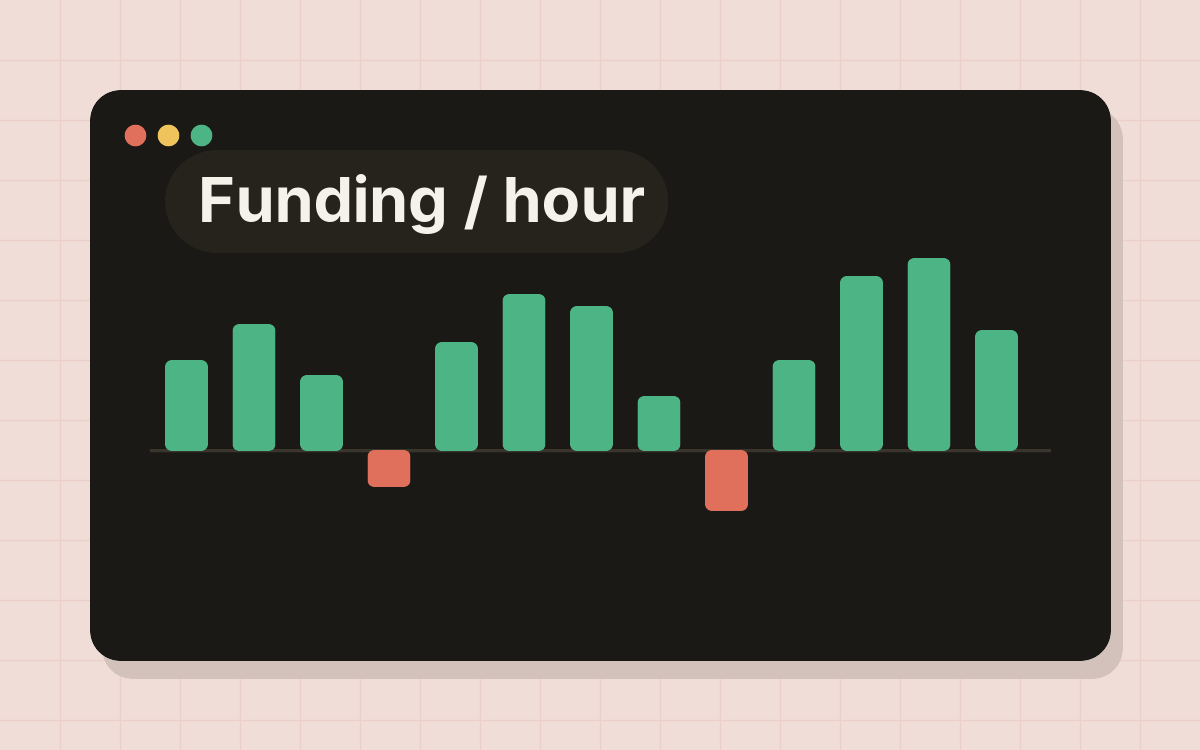
Trade funding
Longs and shorts pay each other every hour. Let a strategy lean on the side that gets paid.
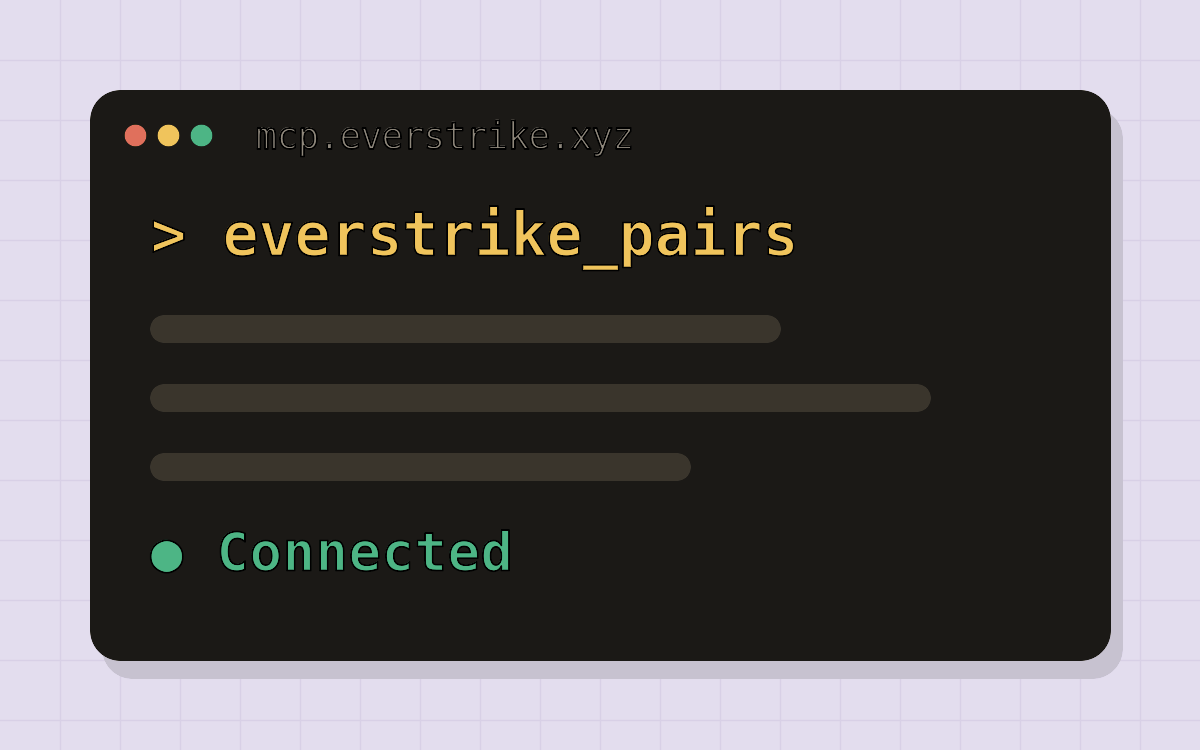
Bring your own agent
Give Claude Desktop, Cursor or your own agent live Everstrike market data over MCP. Public, read-only, no signup.
For AI agents
Paste this into your coding agent or AI client to get it started:Starter prompt
What is vibetrading?
Vibetrading means writing your trading strategy as a natural-language prompt instead of manually placing orders. You describe what you want the AI to do (which markets to watch, the conditions that should trigger a trade, position sizing, and risk limits) and Everstrike handles the rest. A strategy defines three things:- Markets to watch: which assets and instruments the AI should monitor
- Instructions: the conditions under which the AI should consider trading
- Minimum confidence: a threshold the AI’s confidence score must clear before any trade is submitted
Choose your mode
Everstrike supports two account modes. Pick the one that matches how you want to manage your wallet.- DEX Mode
- CEX Mode
In DEX mode, you connect and control your own Web3 wallet (MetaMask, WalletConnect, or any compatible wallet). Your private keys and recovery phrase remain in your possession at all times.Best for: users who already have a Web3 wallet and want self-custody.What you do:
- Connect a supported wallet (MetaMask or WalletConnect)
- Sign a one-time ownership message to link the wallet to your account
- Approve and sign each deposit and withdrawal transaction yourself
Everstrike is currently in beta. The web interface may have non-critical bugs, and mainnet liquidity may not support very large trades. Before depositing mainnet funds, try the testnet at app.testnet.everstrike.io to get comfortable with the platform at no cost.