

Mode comparison
When to choose DEX mode
- You already use a Web3 wallet such as MetaMask or a WalletConnect-compatible wallet
- You want to remain in control of your private keys and recovery phrase at all times
- You are comfortable signing transactions and approving spending caps in your wallet
- You want the highest level of trustlessness: your funds are only moved when you sign a transaction
- You plan to interact with other on-chain protocols using the same wallet
When to choose CEX mode
- You do not have an existing Web3 wallet and would prefer not to set one up
- You want to get started quickly without managing wallet credentials
- You are familiar with centralised exchange interfaces and prefer a similar experience
- You are comfortable trusting Everstrike with wallet management
- You want to focus on trading and AI strategies without dealing with wallet mechanics
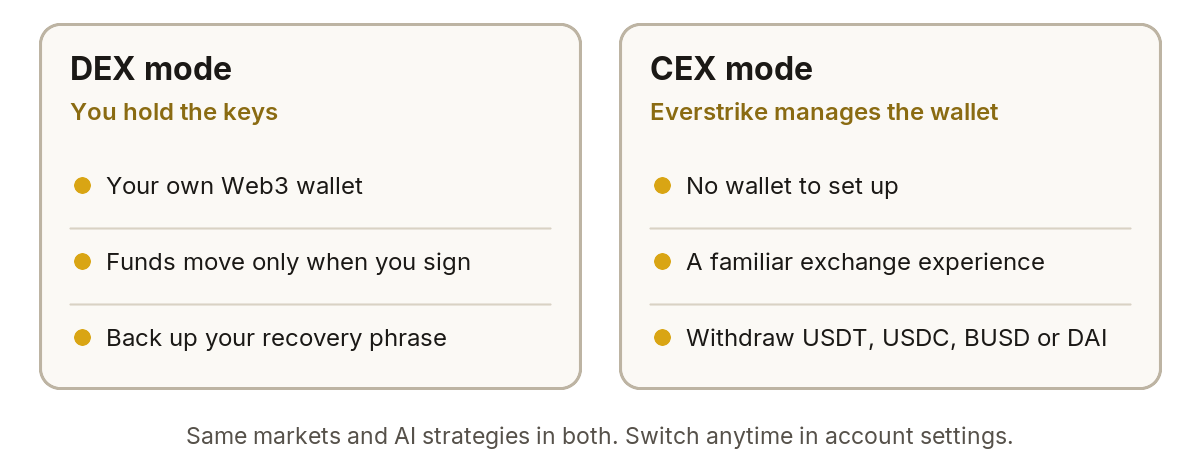
DEX mode and CEX mode at a glance.
You can switch between DEX mode and CEX mode at any time from your account settings. Switching modes does not affect your open positions, trading balances, or funds: everything carries over seamlessly.